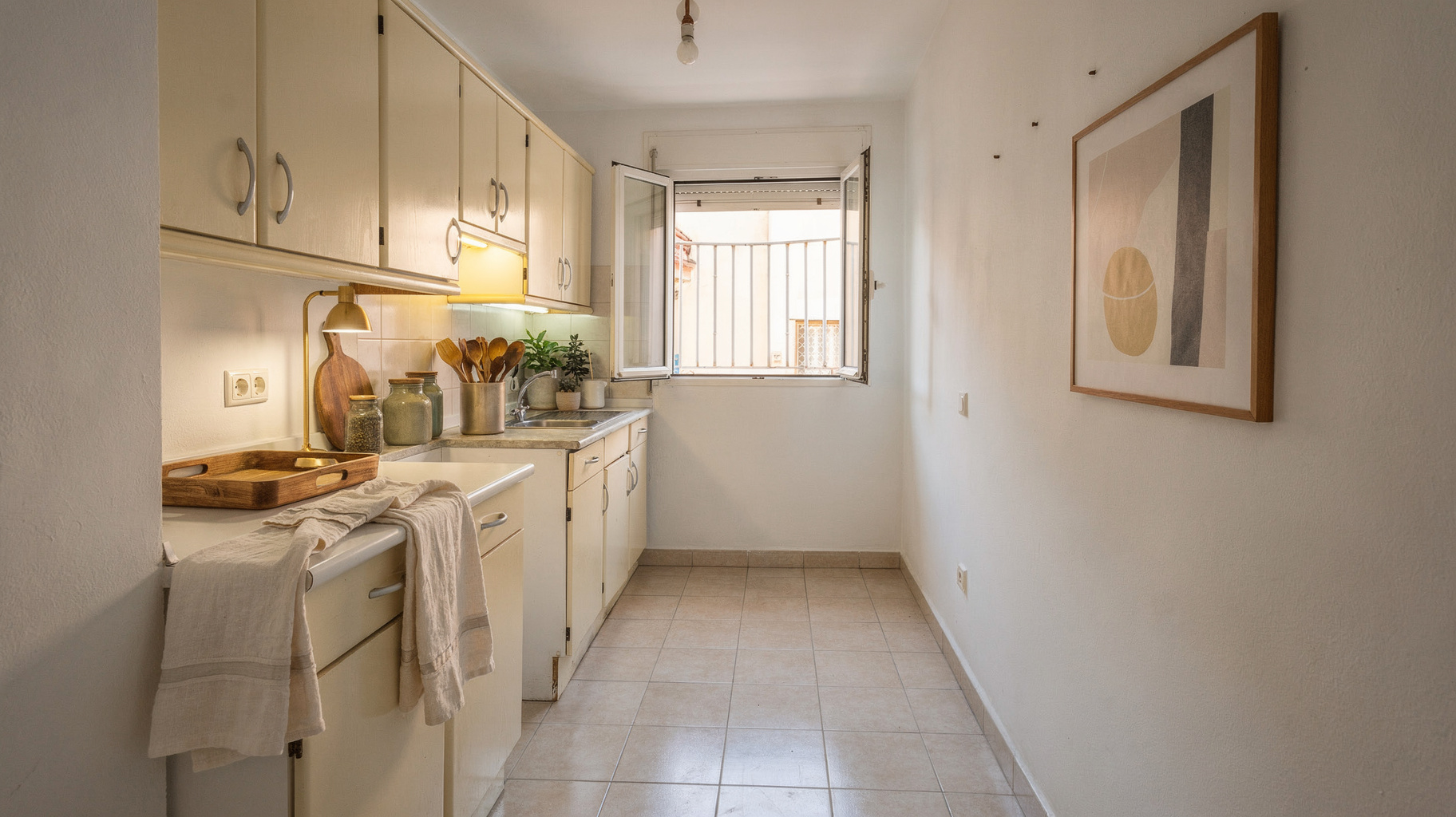
For the listing
Portal photos. Walls stay as photographed.
Solutions
Stage furniture for European listing portals. Preview a renovation for the seller. Lighting, outdoor, and tidy stay on the same listing photos you already shoot.
For the listing
Portal photos. Walls stay as photographed.
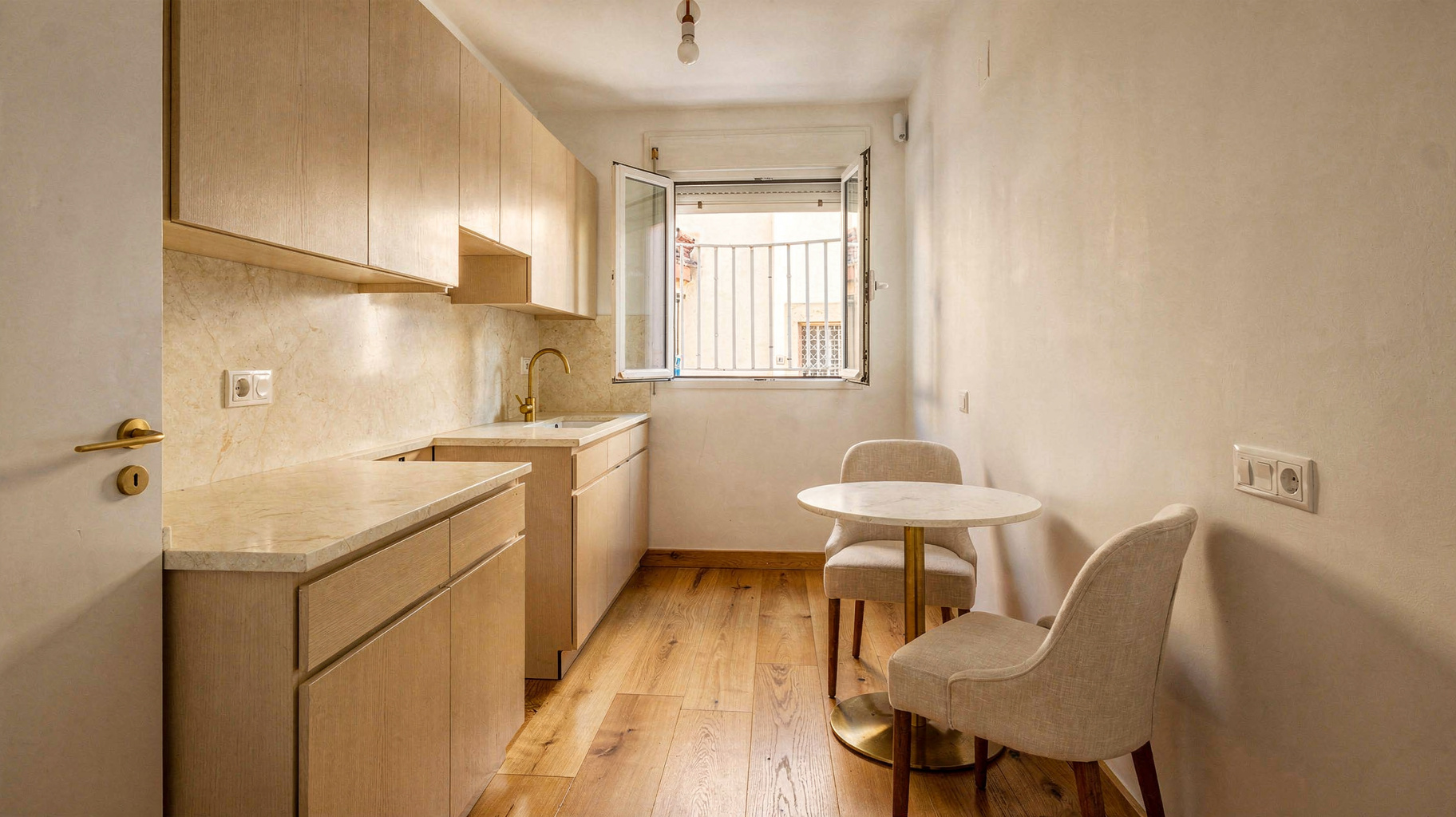
For the seller meeting
Always labeled. Not a listing-portal photo.
Every tool
Empty rooms get sofas, tables, and art. The download includes the original photo and a virtual staging label so portals and buyers can tell what changed.
Personal items and mess leave the frame. Existing sofas, tables, and art stay so the listing still looks like the same home.
Exposure, color, and detail get a listing-grade pass. The room, furniture, and camera stay as shot.
Relight interiors or exteriors (facade, patio, pool) without a second visit. Room type steers evening lamps vs outdoor day-to-dusk. Camera and architecture stay locked.
Green the garden, fill an empty pool to the coping, or recast the sky. The building and camera stay locked.
A finished look for the seller meeting. Always labeled as a renovation preview. Same room shape so the conversation stays honest.
Swap flooring, recast wall finish, or both. Furniture can stay. The output is a labeled renovation preview, not a portal photo.
Strip a lived-in photo back to walls and floors. Use it to show the empty property, or as a clean base before staging.
Export
Staging is labeled as virtual staging. Renovation is labeled as a remodel preview. Keep the pack together when you publish.